ComfyUI: The Best Information Sources and Ecosystem Resources in 2026
In 2026, ComfyUI is no longer just a favorite tool for local AI enthusiasts; the solution has established itself as an industrial standard for creative production. With the arrival of increasingly heavy models and complex multimodal workflows, knowing where to find reliable information has become a strategic challenge for both creators and studios.
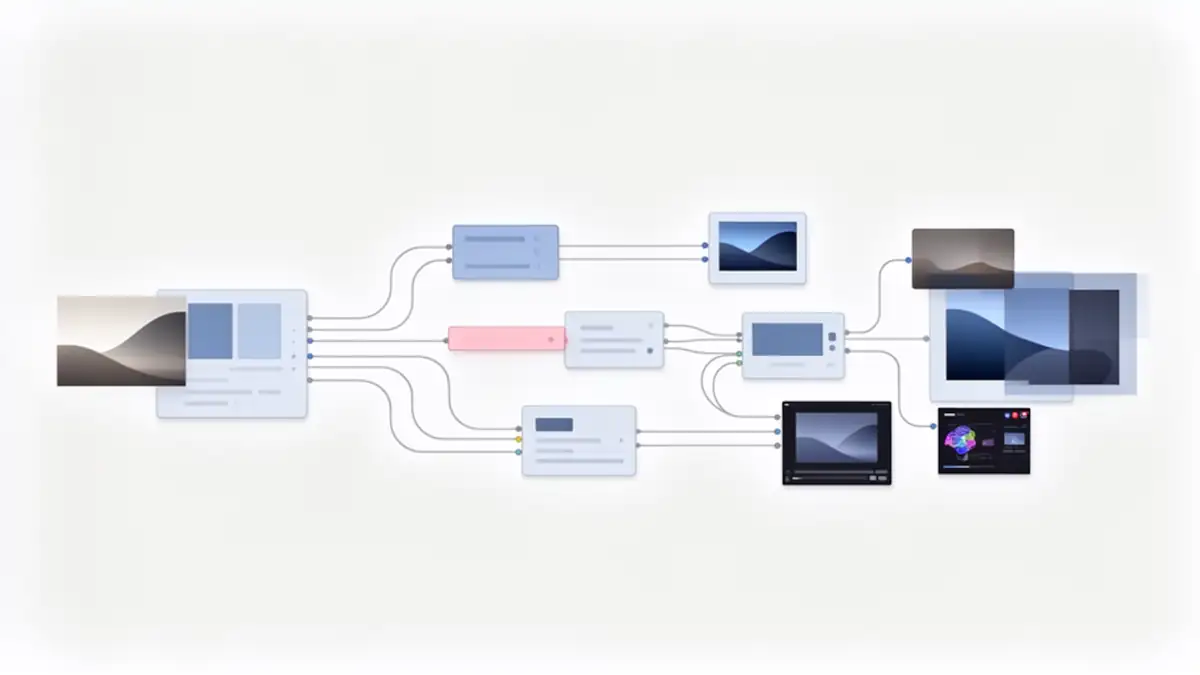
ComfyUI is an open-source node-based interface dedicated to generating images, videos, and multimodal content via artificial intelligence. Based on modular graphic workflows, it allows for precise control over models, parameters, and hardware resources, whether for local use or advanced production.
The Official Pillars: Documentation and Core Tools
The historical complexity of installing ComfyUI is now a thing of the past; the transition to the native application has radically simplified access to the tool. As shown in ComfyUI Desktop installation guides, this Electron-based version eliminates the Python dependency conflicts that once discouraged less technical users. It is accompanied by the Nodes 2.0 redesign (still in beta), a smoother interface developed under Vue.js that improves the readability of dense workflows.
For any fundamental technical questions, the official documentation remains the absolute reference. As reported by the Comfy documentation portal, it details evolutions in node schemas and new rendering APIs. If you encounter a specific bug or wish to follow the development of future features, the GitHub repository remains the primary exchange hub between developers and the community, allowing for reactive monitoring of the latest updates.
Who is ComfyUI for in 2026?
ComfyUI no longer targets only local AI hobbyists. In 2026, its ecosystem covers several user profiles with very different requirements:
- Intermediate and Advanced Creators: Artists, designers, and videographers using complex workflows for fine rendering control, rapid iteration, and reproducibility.
- Technical Users: Developers, engineers, and local AI enthusiasts looking to optimize performance, memory management, and multi-model integration.
- Studios and Professional Entities: Production teams using ComfyUI as an orchestration engine for creative pipelines, either locally or in the cloud.
- Beginners: They can discover ComfyUI through ready-to-use workflows, though the tool’s full value is primarily revealed to those who wish to go beyond simplified interfaces and maintain total control over the generation chain.
Where to Learn? The Best Sources and Tutorials in 2026
Learning via the numerous videos on YouTube remains the simplest method to start. The most cited resources for learning ComfyUI are primarily English-speaking channels, supplemented by several high-quality French resources.
Popular English-Speaking Channels
| Channel | Why is it good? |
|---|---|
| Pixaroma | Structured “ComfyUI Tutorial Series” + a comprehensive 5-hour course. |
| Nerdy Rodent | Clear tutorials on ComfyUI workflows, recent nodes, updates, and sharing many workflows on GitHub. |
| Sebastian Kamph | A channel dedicated to AI generation with ComfyUI and other tools. |
| Vladimir Chopine / GeekatPlay | Tutorials oriented toward advanced workflows (image, video, WAN 2.2) and “top ComfyUI workflows”. |
| AIFuzz / Artificially Intelligent | Other appreciated channels for deep dives, creative workflows, and long-form ComfyUI content. |
| ComfyUI / comfyorg (Official) | Official ComfyUI channel, useful for announcements and official demos. |
Essential Node Libraries and Managers
The core of ComfyUI’s power lies in its custom nodes, but their proliferation requires rigorous management. As indicated by ComfyUI-Wiki, using node managers has become the standard for securing your environment, allowing you to install missing dependencies with one click while verifying compatibility with Nodes 2.0.
Beyond management, certain node packages are now essential for optimizing performance. Tools dedicated to memory management, such as VAE Encode/Decode Tiled, are vital for generating high-resolution images and videos without saturating your graphics card. Optimization also involves adopting quantization standards like FP8, which allows large models to run on consumer-grade hardware with very limited quality loss.
Sharing Platforms: Finding Certified Workflows
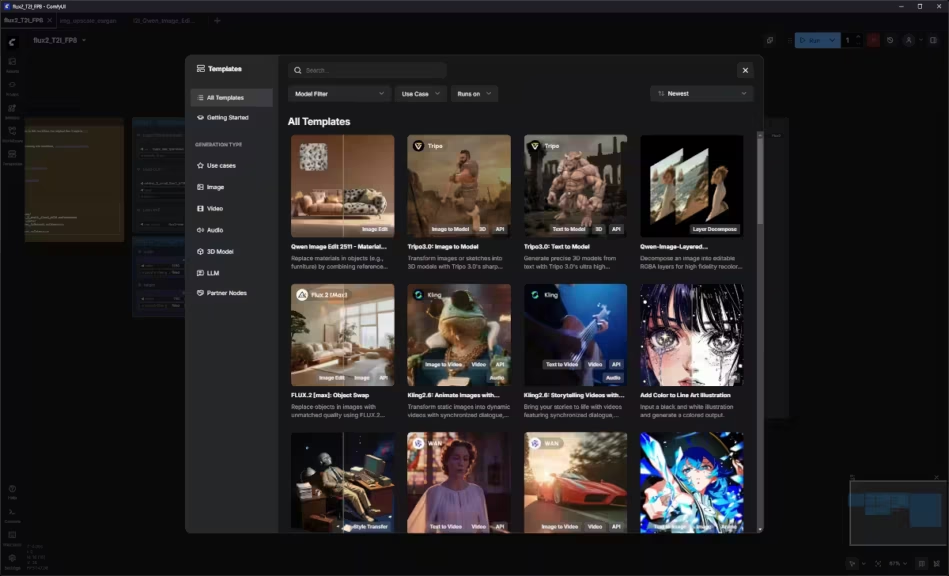
Starting from a blank page is often counterproductive, which is why workflow sharing platforms have taken on capital importance. Civitai and OpenArt have specialized in sharing these workflows.
Hardware Optimization and New Standards (RTX 50 Series)
The year 2026 sees the advent of the NVIDIA RTX 50 range, which introduces native support for the NVFP4 format. According to GPU benchmarks shared by the community, this technological advance allows for spectacular speed gains compared to previous generations. To take advantage of these cards, it is crucial to consult technical sources dealing with multi-GPU optimization.
Since hardware remains the primary bottleneck for many, choosing the right model size for your VRAM is essential to avoid “Out of Memory” (OOM) errors and ensure maximum generation speed.
Staying informed about these hardware aspects allows for informed investment choices, whether for a local configuration or choosing a cloud GPU provider. Understanding FP8 and NVFP4 formats is now as important as mastering the nodes themselves to ensure a smooth and fast workflow.
Summary: Your 2026 ComfyUI Toolkit
For quick reference, here are the essential resources to keep in your bookmarks:
- Documentation and Core:
- Official Comfy Documentation: The starting point for every update.
- GitHub ComfyUI: For bug tracking and official examples.
- Learning and Monitoring:
- ComfyUI-Wiki: A collaborative encyclopedia for beginners and experts.
- r/comfyui Subreddit: Community discussions.
- Workflows and Sharing:
- OpenArt Workflows: Curated workflows for production.
- Civitai: The global hub for workflows, models, and LoRAs.
- Technical Optimization:
- ComfyUI-Manager: The indispensable tool for managing custom nodes (installed by default in the Desktop version).
- NVIDIA RTX AI Blog: For tracking hardware optimizations like NVFP4.
- Cosmo Edge Guides:
- ComfyUI GGUF Guide: Learn how and why to use the GGUF format to save VRAM.
- Model Size & VRAM Guide: Match your model’s weight to your hardware’s capacity.
- Format Comparison: A deep dive into BF16, FP16, FP8, and GGUF.
Toward Total Creative AI Orchestration
The maturity of the ComfyUI ecosystem shows that the tool has moved beyond a simple interface to become a true creative orchestration system. By cross-referencing official sources, expert tutorials, and new optimized node libraries, every creator can now build a complete production studio on a single machine.
The key to success no longer lies in access to technology, but in the ability to filter and assimilate technical information that never stops evolving, paving the way for forms of visual creation unimaginable just a few months ago.
Your comments enrich our articles, so don’t hesitate to share your thoughts! Sharing on social media helps us a lot. Thank you for your support!