Integrating the Model Context Protocol (MCP) with Ollama, vLLM, and Open WebUI
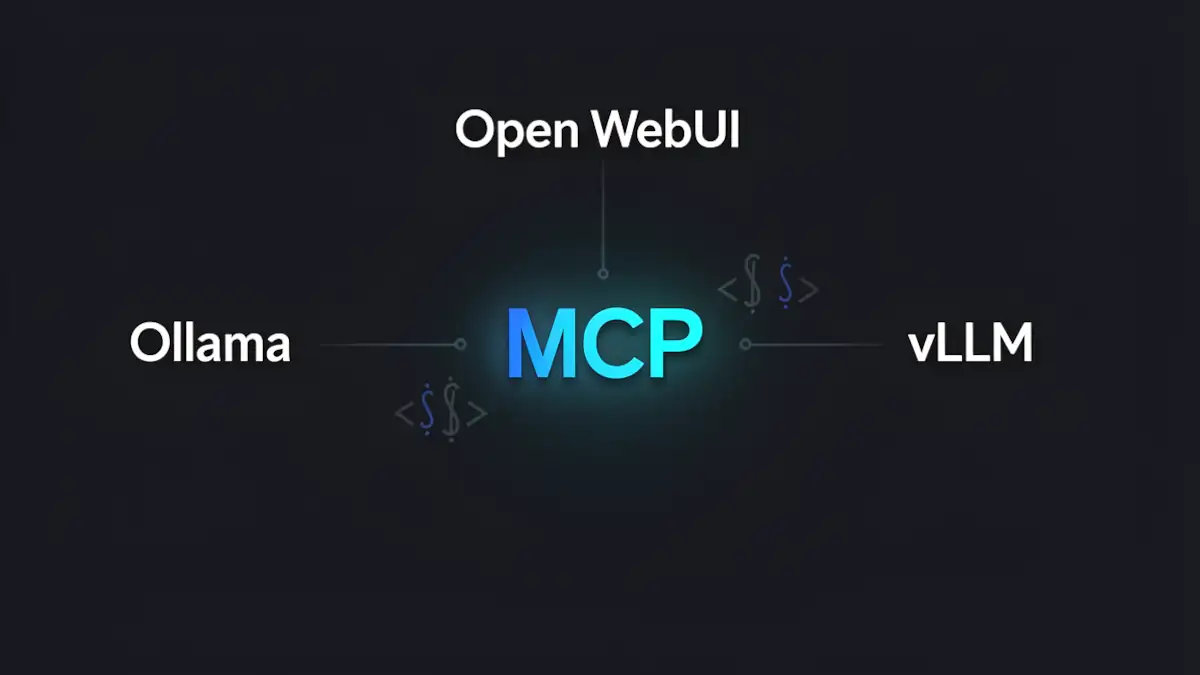
The Model Context Protocol (MCP) is an open standard initiated by Anthropic in November 2024, currently undergoing rapid adoption within the LLM ecosystem. It aims to solve the isolation of Large Language Models by providing a unified interface to connect AI agents with external data sources and tools, such as file systems, databases, and third-party APIs.
In a local infrastructure environment, the challenge lies in bridging the gap between raw inference power, provided by Ollama or vLLM, and the modular flexibility of MCP, all while being orchestrated by a robust interface like Open WebUI.
Architecture of a local MCP stack
To successfully implement this integration, it is crucial to understand the execution flow. Contrary to common misconceptions, the inference engine does not “speak” directly to the protocol; instead, the UI layer acts as the primary client.
The logical workflow:
- User: Sends a query via the interface.
- Open WebUI (MCP Client): Identifies available tools through configured MCP servers.
- Ollama or vLLM (Inference): Receives the prompt along with tool definitions. It determines if a tool call is required (Function Calling).
- MCP Server: If the model requests a tool, Open WebUI executes the action via the specific MCP server.
- External Tool: Accesses the filesystem, DB, or API, then returns the result to the model for the final response generation.
Configuring Open WebUI: The coordination hub
Open WebUI serves as the central nervous system of this stack. To enable MCP, configuration has moved beyond legacy “Functions” and into “External Tools.”
Configuration steps
To integrate your servers, navigate to: Admin Panel → Settings → External Tools
Several integration methods are available:
- MCP JSON Import: Define tool schemas manually.
- MCPO Proxy: Aggregates multiple servers into a single endpoint.
- Docker Environment Variables: It is highly recommended to add MCP_ENABLE=true to your docker-compose.yaml to ensure native support.
Technical Note: The distinction between Docker and Bare Metal installations is vital. Within a Docker environment, ensure the container has the necessary permissions to execute npx commands or access local sockets if your MCP servers are running on the host machine.
Inference engines: Ollama vs. vLLM for tool calling
The reliability of an MCP implementation hinges on the model’s ability to generate valid JSON for Function Calling.
Ollama and precision constraints
Ollama simplifies tool calling, but success is highly dependent on the quantization level. For instance, Ollama’s default Q4 quantization can lead to syntax errors in MCP tool invocations. For complex orchestration, prioritize BF16 or FP16 models.
Engineering Insight: While Ollama supports importing BF16 weights, the current runtime often converts these to FP16 during execution. There is currently no native BF16 inference path in Ollama, even for models explicitly tagged as such.
vLLM and throughput optimization
vLLM is the preferred choice for high-performance environments. Unlike simpler setups, it leverages an OpenAI-compatible API. MCP orchestration is handled by Open WebUI, while vLLM manages tool parsing via the –tool-call-parser flag or specific plugins in recent builds. For deeper architectural comparisons, see our guide on vLLM vs. TensorRT-LLM.
Recommended models for MCP
To ensure maximum robustness in JSON generation for local tool calling, the following models are recommended:
Proven models
- Qwen2.5 (7B / 72B): Currently the benchmark for strict adherence to structured schemas and tool arguments.
- Llama 3.1 / 3.2: The industry standard for tool calling; the 3.2 variants (especially lightweight versions) offer an excellent performance-to-coherence ratio.
- Mistral-Nemo: A validated middle ground between size, logical precision, and JSON output stability.
- Gorilla LLM: Specifically fine-tuned for API calls and tool usage.
Emerging models to watch (Late 2025 / Early 2026)
- Qwen3: The direct successor to Qwen2.5, showing immense promise for structured tool use.
- Phi-4 (Microsoft): Small language models (SLMs) that punch significantly above their weight in structured outputs.
- DeepSeek-Coder-V2: Exceptionally solid for scenarios combining complex code generation with tool execution.
- Not to mention: Qwen3-Coder-Next, Nemotron-3-nano, GPT-OSS.
Regardless of the model chosen, tool-calling reliability is heavily influenced by the quantization level (avoid aggressive Q4 for critical argument precision) and a strict system prompt enforcing the expected JSON schema.
Technical comparison of local solutions
| Criterion | Ollama | vLLM | Open WebUI |
|---|---|---|---|
| Native MCP Support | No | No | Yes (Client) |
| Tool Calling | Model-dependent | Model-dependent | Orchestration |
| Throughput | Moderate | High | N/A |
| MCP Added Latency | +100–300 ms | +80–200 ms | + Network Roundtrip |
| Setup Complexity | Low | Moderate | Moderate |
Tutorial: Exposing a PostgreSQL database via MCP
A frequent use case involves allowing the model to query a local database—such as analytics, logs, or an internal CRM—without manual data export.
1. Launch a PostgreSQL MCP Server
Use a dedicated PostgreSQL MCP server via *npx`:
npx -y @modelcontextprotocol/server-postgres
  postgresql://user:password@localhost:5432/my_database
This server exposes SQL querying tools, restricts access to the specified database, and allows the model to generate structured queries through tool calling.
2. Proxy via MCPO
Since Open WebUI consumes OpenAPI-compatible structures for certain external integrations, using the MCPO proxy can simplify the connection:
mcpo --port 8000 --
npx -y @modelcontextprotocol/server-postgres
postgresql://user:password@localhost:5432/my_database
3. Add the server in Open WebUI
Admin → Settings → External Tools → Add Server/Connection
Input the endpoint: *http://localhost:8000`
For more information, refer to the example page in the Open WebUI documentation. The example covers an MCP integration with Notion.
Security Best Practice: Always enforce Read-Only mode at the PostgreSQL level by creating a dedicated user with limited permissions, rather than relying solely on the MCP server’s configuration.
Security for local MCP servers
Executing local tools introduces significant risks. An AI agent, through prompt injection or hallucinations, could potentially execute destructive commands.
- Least Privilege Principle: Use read-only access by default for all data sources.
- Sandbox Environments: Run each MCP server within isolated virtual environments (venv) or dedicated containers.
- Command Auditing: Carefully inspect the code and permissions of servers launched via *npx`.
- Docker Isolation: Ensure data volumes are mounted separately from system-critical volumes.
MCP vs. Native Function Calling and Classic Agents
Why adopt MCP instead of using the standard OpenAI tools API or frameworks like LangChain?
- Interoperability: An MCP server written once works across any client (Claude Desktop, Open WebUI, etc.).
- Abstraction: It decouples the tool logic from the specific model’s logic.
- Modularity: You can hot-swap capabilities without modifying the core orchestrator code.
Understanding the distinction: MCP vs. Tool Calling
It is vital to distinguish between two often-conflated concepts: Tool Calling and the Model Context Protocol (MCP).
Tool Calling is an inherent capability of the model. It allows the model to generate a structured call (usually JSON) toward a function defined by the application. This mechanism can exist without MCP.
MCP is an interoperability protocol. It standardizes how tools are described, discovered, and exposed. It doesn’t replace tool calling; it organizes the ecosystem surrounding the model.
In short:
- The Model (Ollama/vLLM) performs the tool call.
- The Client (Open WebUI) orchestrates the execution.
- The Tools are exposed via MCP Servers.
Towards a modular agentic architecture
The adoption of the Model Context Protocol marks a turning point in local LLM engineering. By decoupling business logic (MCP servers) from the UI (Open WebUI) and the inference engine (Ollama or vLLM), you build a future-proof infrastructure. This modularity reduces technical debt: switching models or inference providers no longer requires rewriting your data connectors.
As we look forward, the focus shifts toward optimizing orchestration latency. Adding agentic decision layers atop MCP will soon enable complex workflows where the model doesn’t just respond, but autonomously plans and executes sequences of actions across your local infrastructure.
FAQ
Can I use MCP with Open WebUI without Docker?
Yes, you can run Open WebUI and MCP servers in a “bare metal” environment (Python/Node.js). While this simplifies access to local hardware like GPUs and specific filesystems, it increases the complexity of dependency management and host security.
Why is my model ignoring configured MCP tools?
This usually stems from two issues: either the model is not an “Instruct” version optimized for Tool Calling, or the quantization is too aggressive (Q2/Q3), causing the model to fail at following the rigid JSON syntax required.
How do I debug communication between Open WebUI and an MCP server?
Check the logs of your Open WebUI container or terminal. Common failures include missing Node.js libraries on the host or permission errors when the container attempts to spawn an npx process.
Your comments enrich our articles, so don’t hesitate to share your thoughts! Sharing on social media helps us a lot. Thank you for your support!