Infrastructure guide: Cloud-native local orchestration
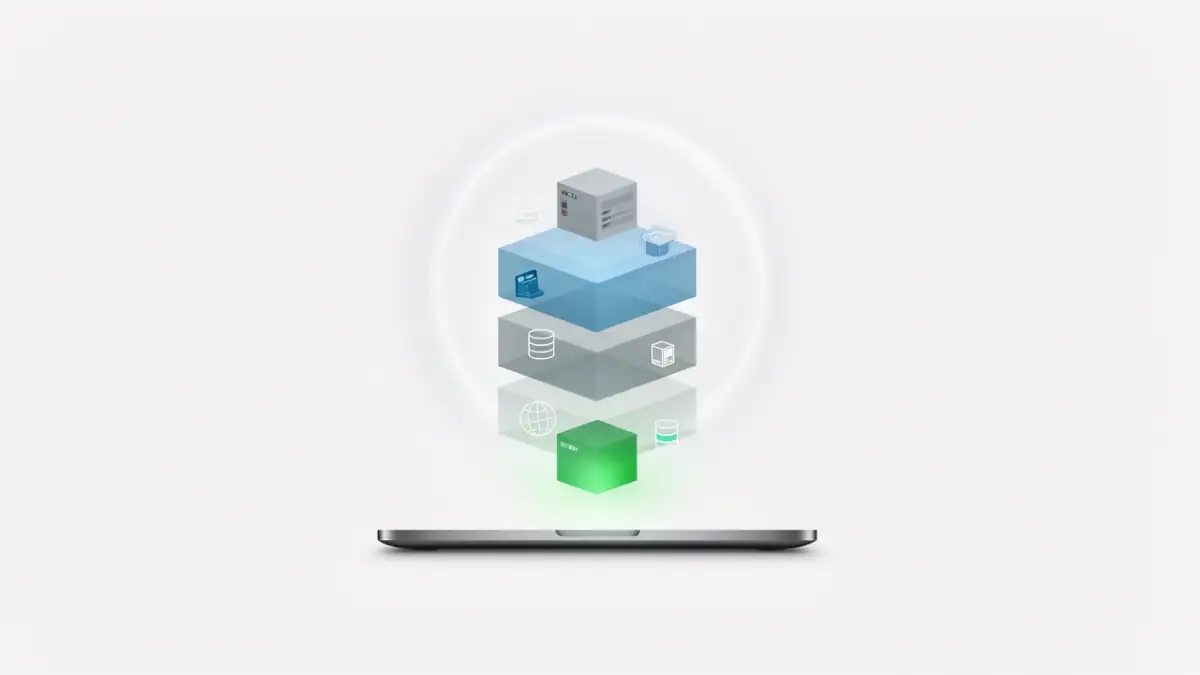
The strength of DDEV lies in its ability to transform your local machine into a micro-cloud. For a senior developer or DevOps engineer, understanding the handshake between the DNS request and the PHP execution is the key to mastering the deployment pipeline.
1. The data flow: from Traefik to Nginx
In a legacy local stack, developers often juggle with manual port mapping (e.g., *localhost:8080`). DDEV adopts a more elegant, professional approach based on a Dynamic Reverse Proxy:
- Traefik (The Edge Router): This is the single entry point on your host machine (listening on ports 80/443). Traefik constantly monitors Docker events. As soon as a DDEV container starts, Traefik detects its “labels” and automatically creates a routing rule for your-project.ddev.site.
- The Docker Bridge: The request is forwarded through the internal Docker network to the specific web container of your project.
- Nginx (The Application Server): Inside the container, Nginx receives the traffic. It serves static assets (images, CSS) directly and proxies dynamic requests to the PHP-FPM socket.
This Traefik → Nginx → PHP flow is a near-identical replica of modern production architectures like Kubernetes or Docker Swarm, ensuring your local tests are structurally valid.
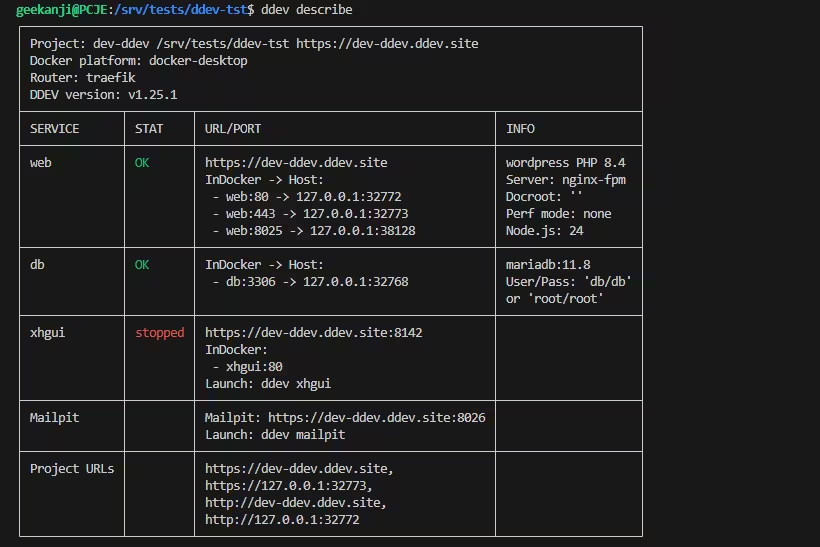
2. Why this infrastructure is “Expert-Grade”
Unlike native installations (MAMP, Herd) that “pollute” your host operating system, DDEV prioritizes absolute reproducibility:
- Project-level isolation: Each site runs its own virtualized Debian-based OS. You can run a legacy PHP 7.4 project alongside a cutting-edge PHP 8.4 site without any version conflicts.
- Production parity: By utilizing official Docker images, you eliminate the “it works on my machine” syndrome. If the Nginx/MariaDB environment runs locally, it will behave identically on your staging or production server.
- Total portability: Everything is stored in the .ddev folder. A colleague can clone your repository, run ddev start, and obtain a strictly identical infrastructure in seconds.
Quick start: deploy your stack like a pro
1. Initialize and detect
DDEV is not limited to WordPress. It natively supports Laravel, Symfony, Drupal, or standard Node.js projects.
mkdir my-project && cd my-project
ddev config --project-type=wordpress --php-version=8.4
2. Ignite the infrastructure
This command instantiates the containers and generates SSL certificates through mkcert.
ddev start3. Provision the CMS
To avoid the 403 error (empty directory), use the built-in wrappers to inject the application code into your infrastructure:
ddev wp core download
ddev launch
Also read : DDEV WordPress 403 Forbidden Fix: Traefik, Nginx, and Docroot Explained
Further reading
Internal resources:
- Optimize the lower layers of your environment with a hardened WSL mirrored networking setup.
- Prevent data loss by implementing a reliable VHDX backup strategy for your WSL2 environments.
- For advanced automation workflows, explore browser orchestration on Windows 11.
External links:
- Refer to the official DDEV documentation for advanced configuration.
- Understand dynamic routing on the Traefik official site.
- Master automation commands with WP-CLI.
Your comments enrich our articles, so don’t hesitate to share your thoughts! Sharing on social media helps us a lot. Thank you for your support!