ComfyUI: Windows 11 vs Linux for local generative AI. Why bare metal won’t save your VRAM
The local generative AI landscape has witnessed a persistent doctrine inherited from early machine learning workflows: running a production pipeline on Windows is considered suboptimal, while running Linux represents the apex of hardware exploitation. For years, this operational hierarchy was justified. Windows imposed heavy memory overhead, erratic CUDA driver management, and an adversarial environment for compiling C++ and Triton extensions.
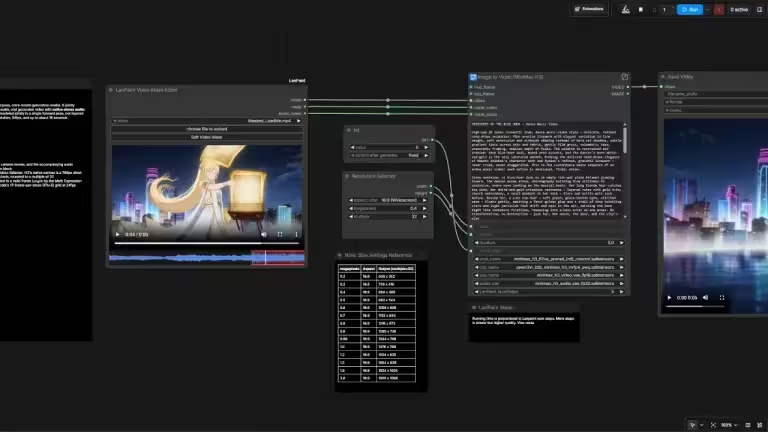
The current generation of Diffusion Transformers (DiT), characterized by models like MiniMax H3 — a 33-billion-parameter open-weight omni-modal model released in July 2026 that generates synchronized 2K video with native stereo audio in a single pass — LTX Video, and large language model text encoders like Qwen, has dismantled that premise. When orchestrating heavy multimodal video generation workflows on desktop-class hardware such as the NVIDIA GeForce RTX 5090 (32 GB of GDDR7 VRAM), the technical and structural differences between a well-tuned Windows 11 installation and a Linux box have dwindled to near statistical noise for most single-workstation setups.
Understanding why requires analyzing how memory hierarchies, operating system display servers, and high-speed PCIe topologies manage unified diffusion graphs.
The VRAM fallacy: Pocket change in a multi-gigabyte economy
The primary justification cited for deploying Linux (particularly without a display server running) is the elimination of GUI overhead on the GPU. On Windows 11, the Desktop Window Manager (DWM) and system compositing consume between 800 MB and 1.5 GB of video memory depending on monitor configurations and UI scaling. On a Linux setup without a desktop environment loaded, the initial VRAM consumption at boot sits close to zero megabytes.
In the era of Stable Diffusion 1.5 or SDXL, rescuing 1.2 GB of VRAM was the difference between completing an upscale or throwing an OutOfMemoryError (OOM). In contemporary video synthesis pipelines, that operational delta is largely obsolete.
Modern diffusion pipelines are compound architectures:
[Text Prompt]
       │
       ▼
[LLM Text Encoder] (e.g., Qwen 2.5 / T5-XXL: ~8 GB to 16 GB)
       │ (Embeddings)
       ▼
[Diffusion Transformer (DiT)] (e.g., MiniMax H3 / LTX Video: ~24 GB to 30 GB)
       │ (Latents)
       ▼
[Spatial / Temporal VAE Decode] (~3 GB to 6 GB peak allocation)
       │
       ▼
[Spatial Upscaler / Audio Sync Pass]
(Note: the memory figures above are approximate engineering estimates based on typical component sizes at FP16/FP8 precision, not measured benchmarks of a specific pipeline run.)
Executing this workflow demands well over 40 GB of addressable memory. With a 32 GB frame buffer on an RTX 5090, offloading components to system RAM is a mathematical certainty, not an edge case. Reclaiming 900 MB by disabling the Windows desktop environment does not prevent the offload mechanism from engaging. It simply shifts the threshold by a negligible fraction of the overall footprint. The system enters a hybrid memory execution model regardless of the underlying OS kernel.
Memory hierarchies and the PCIe bandwidth bottleneck
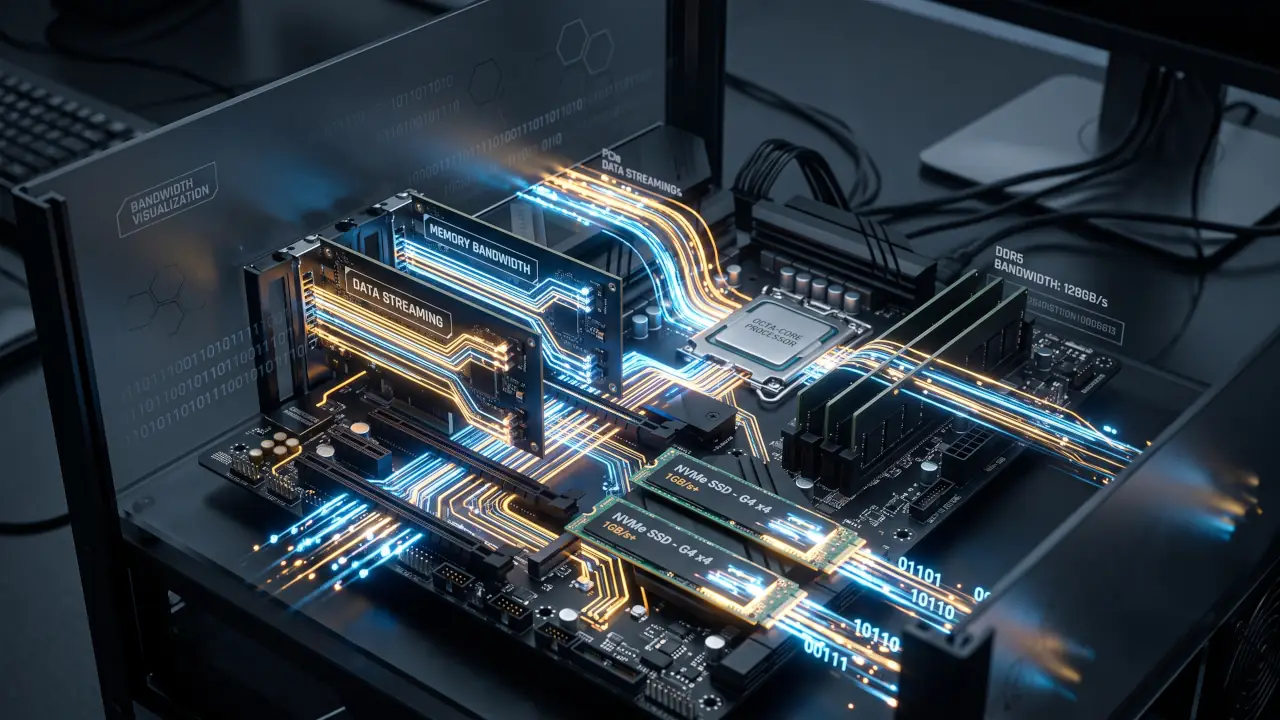
Once memory requirements exceed physical VRAM capacity, the primary performance bottleneck relocates from raw GPU tensor cores to the interconnect bus and system RAM throughput.
When ComfyUI executes dynamic stage swapping, weights must traverse the PCIe interface:
- PCIe 4.0 x16: ~31.5 GB/s theoretical unidirectional bandwidth (~24 to 26 GB/s actual throughput).
- PCIe 5.0 x16: ~63 GB/s theoretical unidirectional bandwidth (~48 to 52 GB/s actual throughput).
- System DDR5 Memory (Dual Channel 6000 MT/s): ~60 to 75 GB/s real-world read bandwidth.
On both Windows 11 and Linux, PyTorch relies on asynchronous CUDA memory copies (cudaMemcpyAsync) to transfer tensors between pinned host memory and the GPU memory pool. When weights spill over, execution speed drops because DDR5 latency and PCIe bus contention throttle execution steps.
Linux manages memory fragmentation and virtual memory page tables with marginally lower latency than the Windows kernel. However, this microsecond-level advantage is largely swallowed by the physical transfer times of multi-gigabyte tensor matrices. Whether PyTorch calls for an offload pass inside Ubuntu or Windows 11, the GPU sits idle for a comparable duration waiting for layer weights to cross the bus.
The storage trade-off: Aggressive unloading vs system RAM expansion
When running up against the 32 GB VRAM boundary (or less), two architectural paths emerge: expanding physical system RAM to absorb offloaded models, or implementing aggressive pipeline stage unloading to purge idle components completely.
Given volatile hardware market conditions that have driven high-density DDR5 kits to elevated pricing, adding a second 64 GB memory kit to reach 128 GB can represent an inefficient allocation of capital for this specific use case. Allocating substantial funds simply to use system RAM as an oversized, high-latency swap partition for unquantized diffusion stages tends to yield poor performance per dollar compared to the alternative below.
The technical alternative is staged lifecycle management: loading the text encoder, generating conditioning latents, and completely evicting the encoder from both VRAM and host RAM before allocating the primary DiT.
The concern traditionally leveled against aggressive unloading is the I/O penalty of reading model weights from disk multiple times during batch executions. On modern NVMe storage interfaces, this penalty is generally small — though the exact figures depend heavily on the specific drive, controller, and file format.
Estimated reload latency by component (indicative figures based on published NVMe sequential read specifications and typical .safetensors sizes — not measured on a specific benchmark rig; actual results will vary by drive model, motherboard chipset, and driver overhead):
| Pipeline Component | Weight Footprint | Estimated PCIe 4.0 NVMe Reload | Estimated PCIe 5.0 NVMe Reload |
|---|---|---|---|
| Qwen 2.5 7B Text Encoder (FP8) | ~8 GB | ~1.2 to 1.8 s | ~0.8 to 1.2 s |
| T5-XXL / High-Density Encoder (BF16) | ~14 to 16 GB | ~2.5 to 3.5 s | ~1.5 to 2.2 s |
| Full DiT Layer Block (MiniMax H3 / LTX) | ~25 to 30 GB | ~4.5 to 6.0 s | ~2.5 to 3.5 s |
These estimates assume sustained sequential read speeds near a drive’s rated maximum (commonly 5-7 GB/s for PCIe 4.0 and 10-14 GB/s for PCIe 5.0 consumer drives), plus overhead for PyTorch’s .safetensors header parsing and tensor allocation. On a video generation cycle lasting 45 to 90 seconds, flushing and reloading an encoder from a fast NVMe SSD adds a cost that is generally small relative to total generation time — though readers running these workflows should benchmark their own hardware rather than treat these numbers as guaranteed.
Separately, the Windows OS File Cache routinely holds recently released model files in active standby memory, and Linux’s page cache behaves similarly. If system RAM capacity permits, sequential iterations on either OS frequently stream weights directly from the page cache without touching physical NAND flash cells, which can further reduce these reload penalties in practice.
Compilation parity: The closing of the Windows software gap
Historically, the strongest justification for maintaining a native Linux machine was the dependency stack. Compiling custom CUDA kernels, building FlashAttention modules, and deploying Triton-based attention optimizations (such as SageAttention) on Windows often devolved into a cycle of MSVC compiler errors, incompatible Visual Studio toolchains, and broken wheel links.
The generative AI software ecosystem has narrowed this gap:
- Standardized Wheel Distribution: Major attention optimizations and Triton backends increasingly distribute pre-compiled binary wheels targeting modern Windows environments and Blackwell/Ada Lovelace compute architectures.
- Integrated Environments: Package management layers and integrated frameworks (including the standalone ComfyUI Desktop infrastructure and tools like ComfyUI Kitchen) reduce the need for manual kernel compilation in standard production workflows.
- WSL2 for Isolation: For developer tasks that strictly demand a Linux runtime (such as serving concurrent local inference via Ollama or custom Python build pipelines), WSL2 offers GPU passthrough with performance that NVIDIA and independent benchmarks describe as close to native for many inference workloads — though real-world gaps remain measurable (see FAQ below), avoiding the need for dedicated dual-boot disk partitioning.
Native Linux retains measurable superiority in high-throughput enterprise inference, multi-GPU scaling (via NCCL), and custom kernel development environments where low-level CUDA driver tuning is mandatory. Independent testing from Puget Systems on HPC workloads (Linpack, NAMD) also shows Linux still ahead of WSL2 on some compute-bound benchmarks, even as the CPU-side gap has closed to roughly 95% of native performance.[^1]
Yet for a high-performance single-workstation architecture targeting DiT video generation and creative workflows, operating a secondary Linux server for marginal gains delivers diminished returns for many users. Windows 11, backed by high-bandwidth NVMe storage and disciplined memory sequencing, can execute modern multimodal generation without prohibitive latency penalties.
Architectural verdict and operational horizons
Maintaining a dual-boot configuration or dedicated Linux hardware purely to extract marginal computational performance from an RTX 5090 is not automatically necessary for local diffusion workloads — the calculation depends on the specific pipeline and how VRAM-bound it is.
The determining variable in contemporary local generation is not only the operating system shell, but the discipline of the workflow architecture:
- Leverage Quantized Encoders: Running text encoders in FP8 or GGUF formats preserves the primary frame buffer without significantly degrading semantic prompt fidelity.
- Exploit NVMe Bus Bandwidth: Storing models and active scratch disks on a fast PCIe 4.0/5.0 M.2 slot makes dynamic layer purging more viable, potentially reducing the need for costly DDR5 hardware upgrades.
- Migrate Only for Unresolvable Toolchains: Reserve native Linux deployments for cases where specialized, uncompiled research nodes or custom C++ extensions genuinely fail under Windows.
As diffusion architectures continue to scale in parameter density, optimization will increasingly focus on context caching, block-level pruning, and kernel-level flash compilation rather than operating system overhead alone. For many single-GPU creative workstations, consolidating onto one productive operating system is a defensible choice — while teams running multi-GPU or high-throughput production inference should still weigh native Linux’s measurable edge.
Frequently asked questions
Does Windows 11 introduce higher CUDA latency compared to native Linux?
For long-running matrix multiplications typical of diffusion sampling steps, the difference between Linux and Windows 11’s WDDM (Windows Display Driver Model) is generally small. Linux tends to have lower kernel-launch overhead, which matters more for small-batch, millisecond-scale LLM token streaming than for multi-second DiT sampling passes — where the gap is harder to notice in practice.
Does running Linux prevent GPU out-of-memory errors entirely?
No. An out-of-memory error occurs when a single allocation request exceeds the remaining contiguous address space on the GPU. Freeing the roughly 1 GB typically reserved by the Windows desktop compositor provides minor headroom, but it does not prevent allocations that exceed the device’s physical ceiling — such as attempting to run a full-precision 40+ GB multimodal pipeline entirely in VRAM.
Is WSL2 equivalent to native Linux for ComfyUI execution?
Not entirely, and the gap depends heavily on the workload. NVIDIA’s own documentation describes WSL2’s GPU compute overhead as designed to be “close to near-native,” and CPU-bound tasks under WSL2 do reach roughly 95% of native Linux performance.[^1] But GPU-heavy compute benchmarks tell a more mixed story: some CUDA workloads run within a few percentage points of native Linux, while others — particularly training or workloads that are I/O- or synchronization-heavy — have been measured anywhere from roughly 10% to over 30% slower under WSL2. For a single-user desktop ComfyUI workflow, running natively on Windows generally avoids this variability more reliably than routing the same workload through WSL2.
Is a used or budget system RAM upgrade a better investment than optimizing the workflow?
Not usually, for this specific bottleneck. Because PCIe and DDR5 bandwidth (tens of GB/s) is an order of magnitude below GPU VRAM bandwidth (RTX 5090: ~1.79 TB/s), simply adding more system RAM to absorb offloaded model weights turns that RAM into high-latency swap space rather than a true performance fix. In most cases, staged model loading and quantized encoders (FP8/GGUF) deliver a better result per dollar spent than a DDR5 capacity upgrade — RAM expansion is worth considering mainly when a specific workflow is bottlenecked by needing multiple large models resident simultaneously.
Sources consulted:
- NVIDIA, CUDA on WSL User Guide
- Puget Systems, “WSL2 vs Linux (HPL, HPCG, NAMD)”
- MiniMax, official MiniMax H3 launch announcement
- NVIDIA GeForce RTX 5090 official specifications (32 GB GDDR7, 1,792 GB/s bandwidth, 512-bit bus)
Your comments enrich our articles, so don’t hesitate to share your thoughts! Sharing on social media helps us a lot. Thank you for your support!